
Write it down. Find it instantly. It stays yours.
I've kept a steno pad on my desk since the 80s. Every notes app I tried either required me to learn markdown, lost its connection to my server, or disappeared into someone else's cloud. So I built one that doesn't.
Read the announcement · The story behind this app · Request a feature · Visit caffeinatednotes.com





The app is always free. Try multi-device sync free for 14 days, no credit card required.
Works Everywhere
Phones, tablets, and desktops. The mobile app adapts to whatever screen you have, and the desktop version is a native application built specifically for your computer, not a mobile app running in a wrapper.
Always Available
Your notes live on your device. No internet connection needed, no account required to get started, and nothing leaves your device unless you choose it to.
Free to Use
No ads and no AI. Every feature works on every device. Add a sync subscription to keep your notes on all your devices.
Your Data, Your Control
Export to Markdown, HTML, or PDF anytime. Version history lets you go back to any previous state.
Rich Formatting
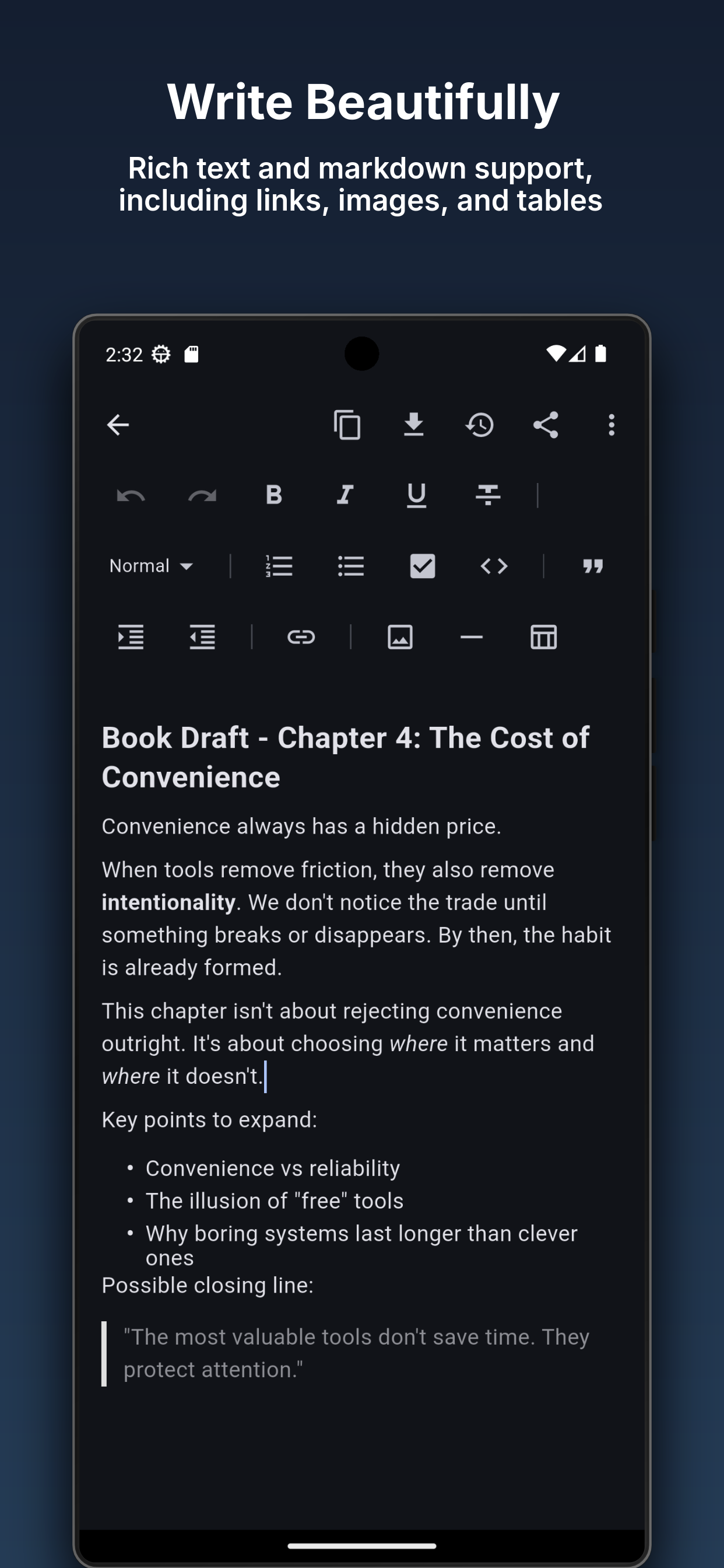
Bold, headings, lists, code blocks, tables, and images. Write the way you want.
Find Anything Instantly
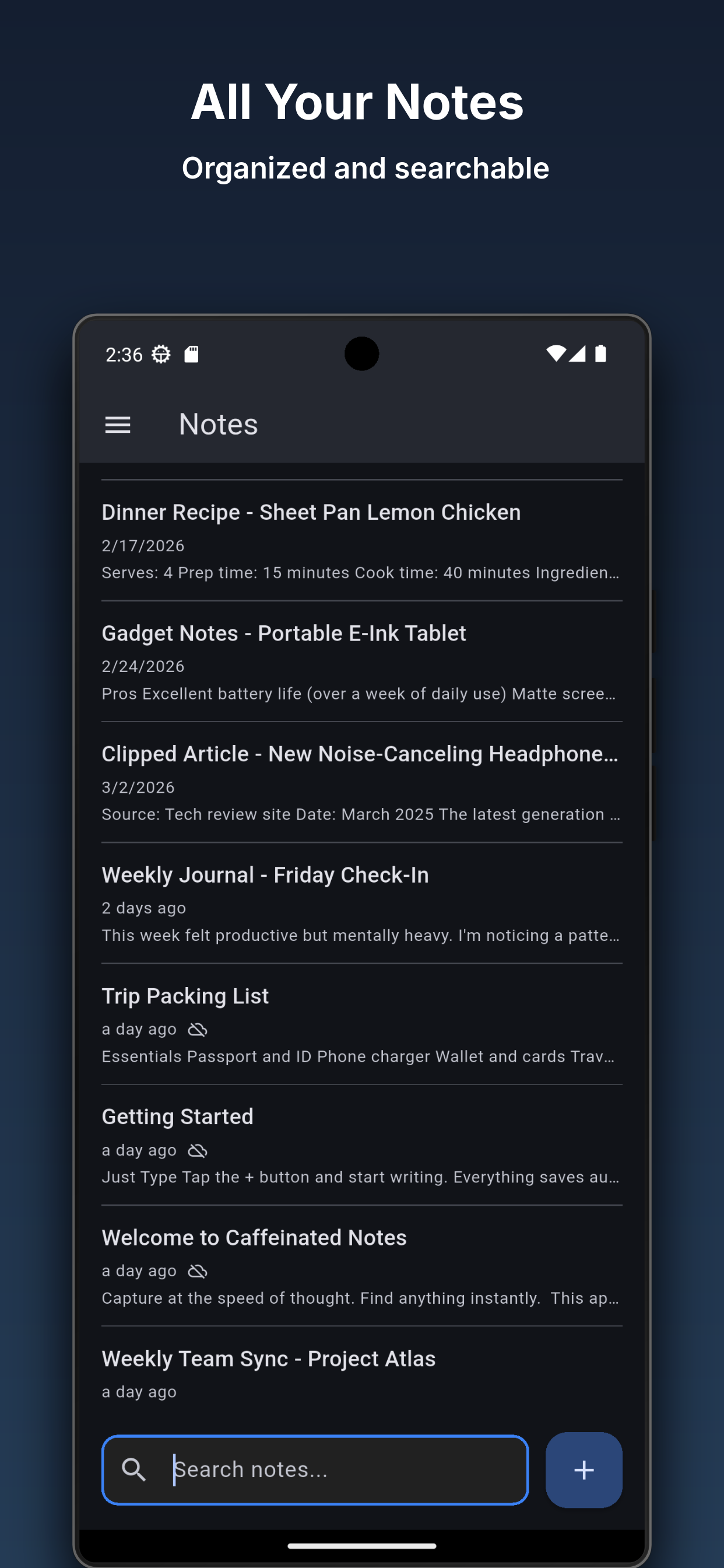
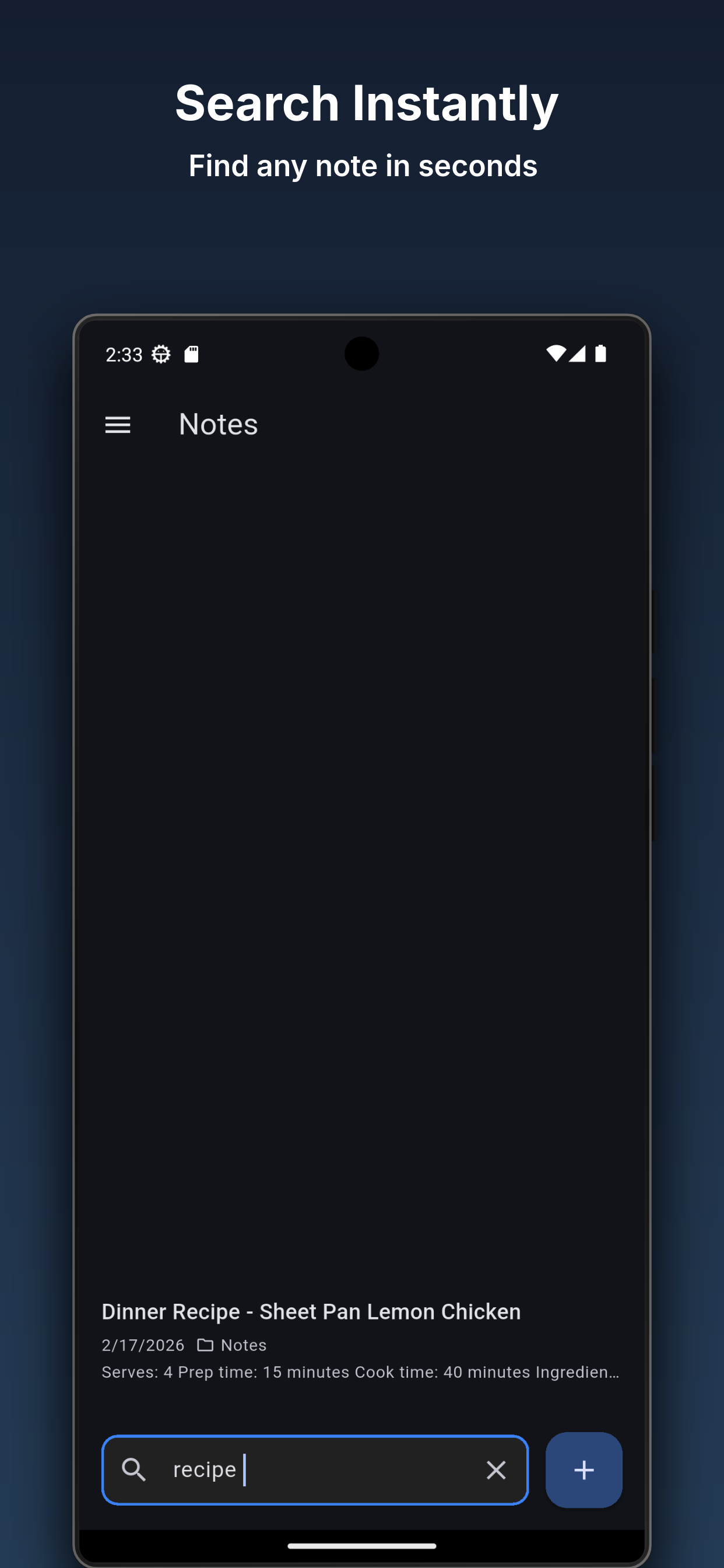
Search finds what you need across all your notes in seconds.
Checklists & Tasks
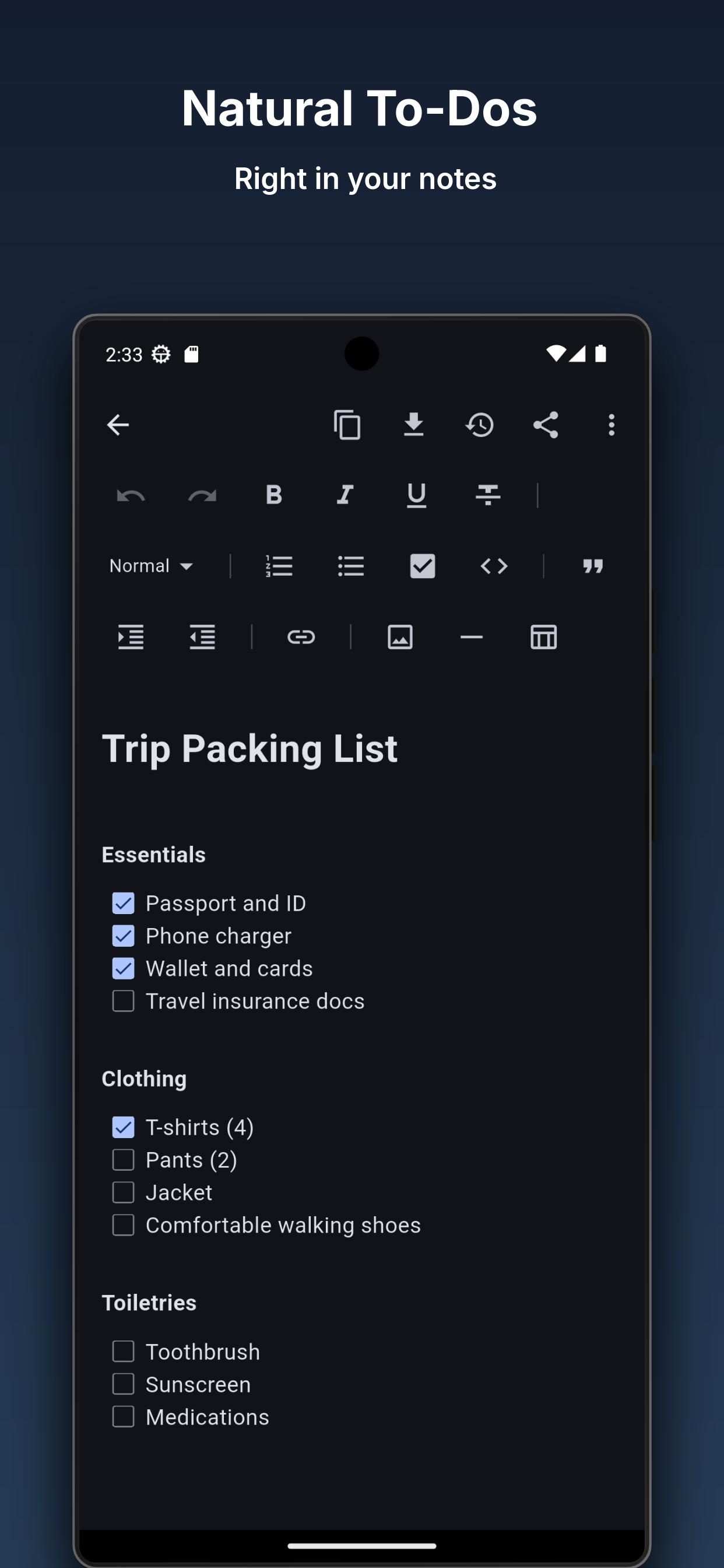
Turn any note into an actionable checklist. Check off items as you go and keep your to-do list right alongside your notes.
Caffeinated Notes is built for people who want a simple, reliable place to keep their notes. It does one thing well: keeping your notes organized and easy to find.
Your notes are stored on your device and available instantly, no waiting for an internet connection. With an optional Caffeinated Account subscription, you can sync your notes across all your devices and optionally share specific notes or notebooks with others.
A Real Editor
Bold, italic, headings, lists, code blocks, blockquotes, tables, links, and images. Paste markdown and it converts automatically. The editor saves as you type so you never lose work.
Search-First Design
Full-text search across all your notes. Results appear as you type. On the home screen, search is always one tap away.
To-Dos That Live in Your Notes
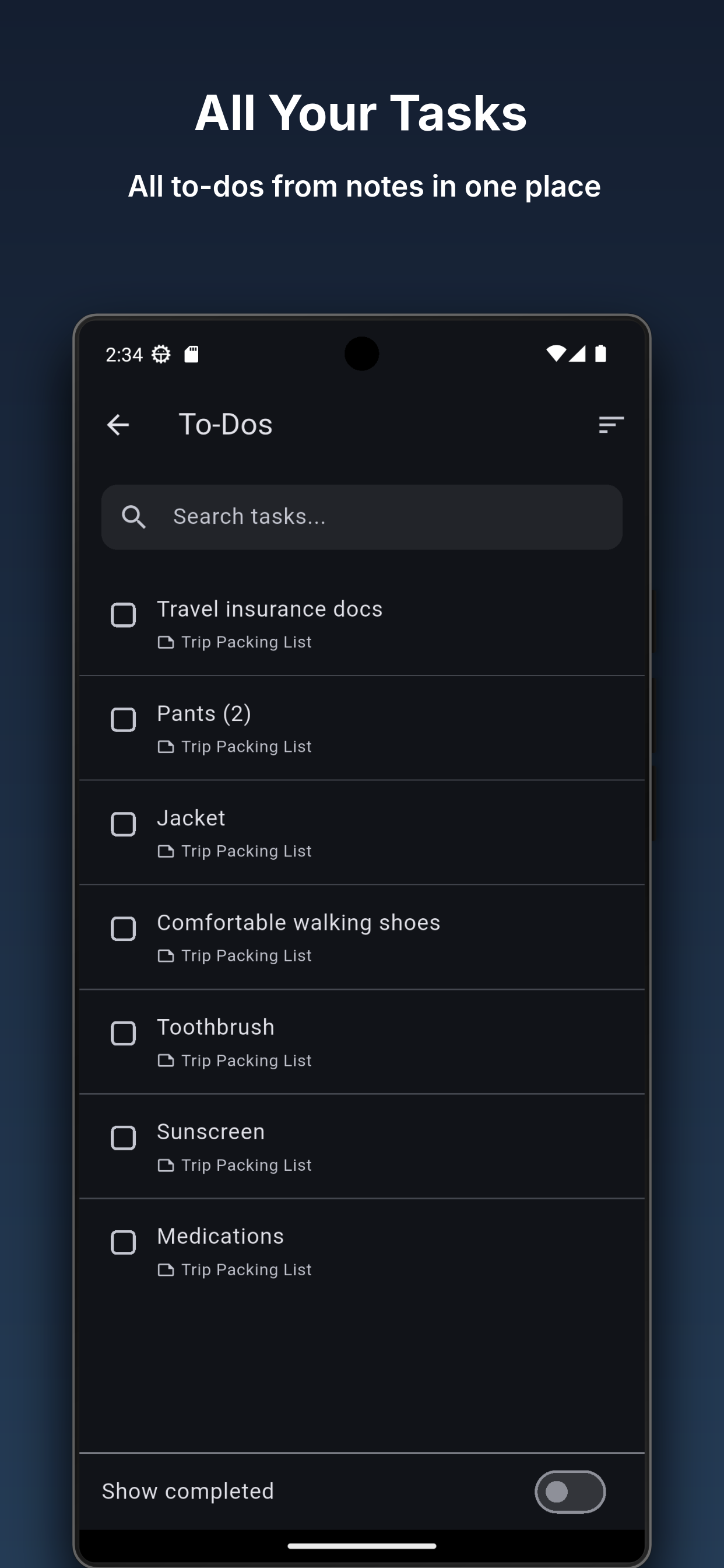
Add checkboxes to any note and they become tasks. The To-Dos screen pulls every open task from every note into a single list. Check items off from the list or from the note itself. On Android, a home screen widget shows your open tasks and lets you check them off without opening the app.
Notebooks
Organize notes into notebooks to keep things tidy. With a multi-user subscription, you can choose to share individual notes or entire notebooks with other members. Sharing is always optional and you decide exactly what others can see.
Export Anything
Export individual notes to Markdown, HTML, or PDF. Back up your entire database to a ZIP file and restore it on any device. Your data is never locked in.
Sync That Just Works
For subscribers, sync merges edits automatically. If you change a note on your phone while someone else edits it on their tablet, both changes are preserved. No manual conflict resolution required.
Your notes should be ready when you are.
Caffeinated Notes is a Caffeinated Softworks product, built with a focus on performance, privacy, and working the same way on every device.
Latest from the Caffeinated Notes Blog
- Caffeinated Notes 1.1.1
You can now print a note from your phone or tablet, search within a note on desktop with Ctrl+F, and exported PDFs use the standard paper size for your region …
- Caffeinated Notes 1.1.0
Caffeinated Notes feels at home on iPad and iPhone, Android tablets get a navigation rail, backups and sync are more reliable, and the desktop note window is …
Get Caffeinated Notes